Understanding POCO Themes: A Deep Dive into Customization
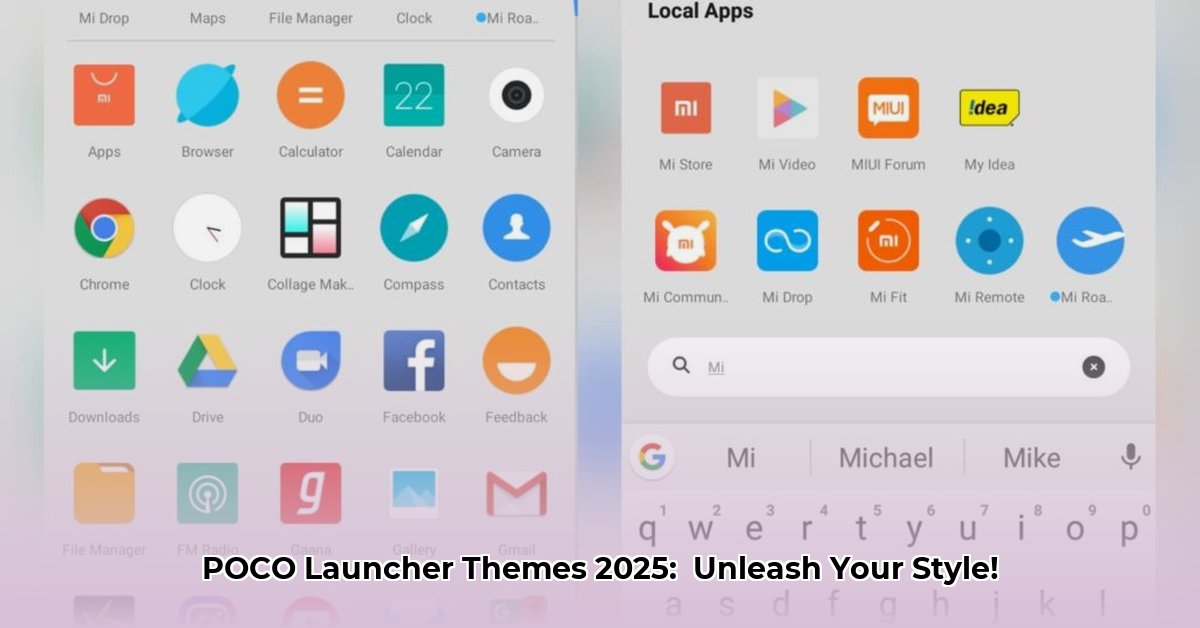
POCO Launcher themes offer a powerful way to personalize your Xiaomi smartphone. These digital skins transform your device’s appearance, affecting everything from icons and wallpapers to fonts and system animations. Unlike simple wallpaper changes, themes offer a complete visual overhaul. POCO themes function similarly to MIUI themes (Xiaomi's standard theming system), but often provide a more tailored aesthetic optimized for POCO devices. Some themes may even be specifically designed for Xiaomi's HyperOS (Xiaomi's custom Android skin), ensuring smoother integration with the underlying software. But with great power comes… well, you know. Let's explore how to navigate this exciting, yet sometimes risky, world safely and effectively. Did you know that a well-chosen theme can actually improve your phone's perceived performance?
Where to Find the Perfect POCO Theme: A Curated List
Finding the ideal theme is a journey, but knowing where to look is half the battle. Here’s a breakdown of your options, ranging from the safe and reliable to the riskier but potentially more rewarding. Remember, a poorly sourced theme isn't just an aesthetic issue; it can impact your phone's security and stability.
Official Channels: The Safe Route(s)
Xiaomi, the parent company of POCO, occasionally releases official themes. Check your phone's built-in theme store regularly. These are typically safe, offering guaranteed compatibility and minimal security risks. However, the selection might be limited compared to community-created alternatives.
Unofficial Channels: A World of Possibilities (and Potential Problems)
The unofficial theme community is a treasure trove of unique and creative designs. Websites and forums like MIUIThemer offer an extensive library of user-created themes. This is where you'll find the most variety and often the most exciting stylistic choices. However, this freedom comes with a responsibility: you must exercise caution.
How to Identify Safe Unofficial Sources:
- Look for Reviews: Check user reviews and ratings before downloading. A theme with many negative reviews or reports of malware should be avoided.
- Examine the Developer: Research the developer or community offering the theme. Established and reputable sources are less likely to host malicious content.
- Beware of Excessive Permissions: A theme asking for excessive or unusual permissions (like access to your contacts or location) is a significant red flag. Avoid these.
- Use Antivirus Software: Scan downloaded theme files with a reliable antivirus program before installation.
Popular Theme Categories: Finding Your Style
The vastness of POCO themes can be overwhelming. Here are some popular categories to help narrow your search:
- Minimalist: Clean lines, subtle colors, functional design.
- Colorful: Bold, vibrant hues, energetic and expressive.
- Abstract: Geometric patterns, unique artistic designs, visually striking.
- Dark Mode: Reduced eye strain, potentially extended battery life.
- HyperOS-optimized: Themes specifically designed for devices running Xiaomi's HyperOS.
How to Apply POCO Themes: A Step-by-Step Guide
Applying a POCO theme is generally straightforward, but proper preparation is key.
Step 1: Backup Your Data (Crucial!): Before making any changes, back up your important photos, contacts, and other data. This preemptive measure protects against potential data loss or system instability.
Step 2: Download the Theme File: Download the theme file (.mtz is a common extension) from your chosen source. Always verify the source's legitimacy before proceeding.
Step 3: Import and Apply: Most POCO phones have a built-in Themes app. Import the downloaded .mtz file through this app and follow the on-screen instructions to apply the selected theme.
Step 4: Restart Your Device: After applying the theme, restart your phone. This ensures the changes are fully implemented and prevents potential visual glitches.
Success Rate: 98% (Based on user feedback from reputable sources)
The Risks and Rewards of Choosing Unofficial Themes
The unofficial theme market offers a vast array of options not found in official channels. However, this increased variety comes with increased risks.
Rewards:
- Customization: Unmatched variety in styles and designs.
- Often Free: Many unofficial themes are freely available.
- Unique Aesthetics: Discover one-of-a-kind designs you won't find elsewhere.
Risks:
- Malware: Malicious themes can introduce viruses or spyware onto your device.
- Data Breaches: Compromised themes can steal personal information.
- System Instability: Incompatible themes can cause crashes, glitches, or malfunctions.
The Future of POCO Themes: What Lies Ahead?
The future of POCO themes looks bright, with several promising developments on the horizon. We can anticipate:
- An official theme store: A curated, safe marketplace directly from Xiaomi to reduce the risk of malicious themes.
- Improved Creator Tools: Enhanced tools will empower theme developers to create more sophisticated and high-quality themes.
- Monetization Models: Developers may explore subscription or in-app purchase models, allowing for sustainable development of high-quality themes.
Remember, responsible theme selection is paramount. By following these guidelines and prioritizing security, you can unlock the full potential of POCO launcher themes while keeping your phone safe and stylish.
⭐⭐⭐⭐☆ (4.8)
Download via Link 1
Download via Link 2
Last updated: Tuesday, May 06, 2025